What a VPN Can and Cannot Do: Features Worth Comparing Before Paying
Compare VPN routing, provider privacy terms, disconnect behavior and renewal costs without assuming a VPN makes browsing anonymous or scams safe.
On this page
- Understand the connection you are changing
- Keep HTTPS and website trust in the picture
- Define a practical requirement before comparing features
- Read the privacy policy as an operational document
- Check what happens when the connection changes
- Compare the amount you must actually pay
- Include compatibility and performance in the decision
- Decide whether the product solves your stated problem
- Common questions
- Sources and references
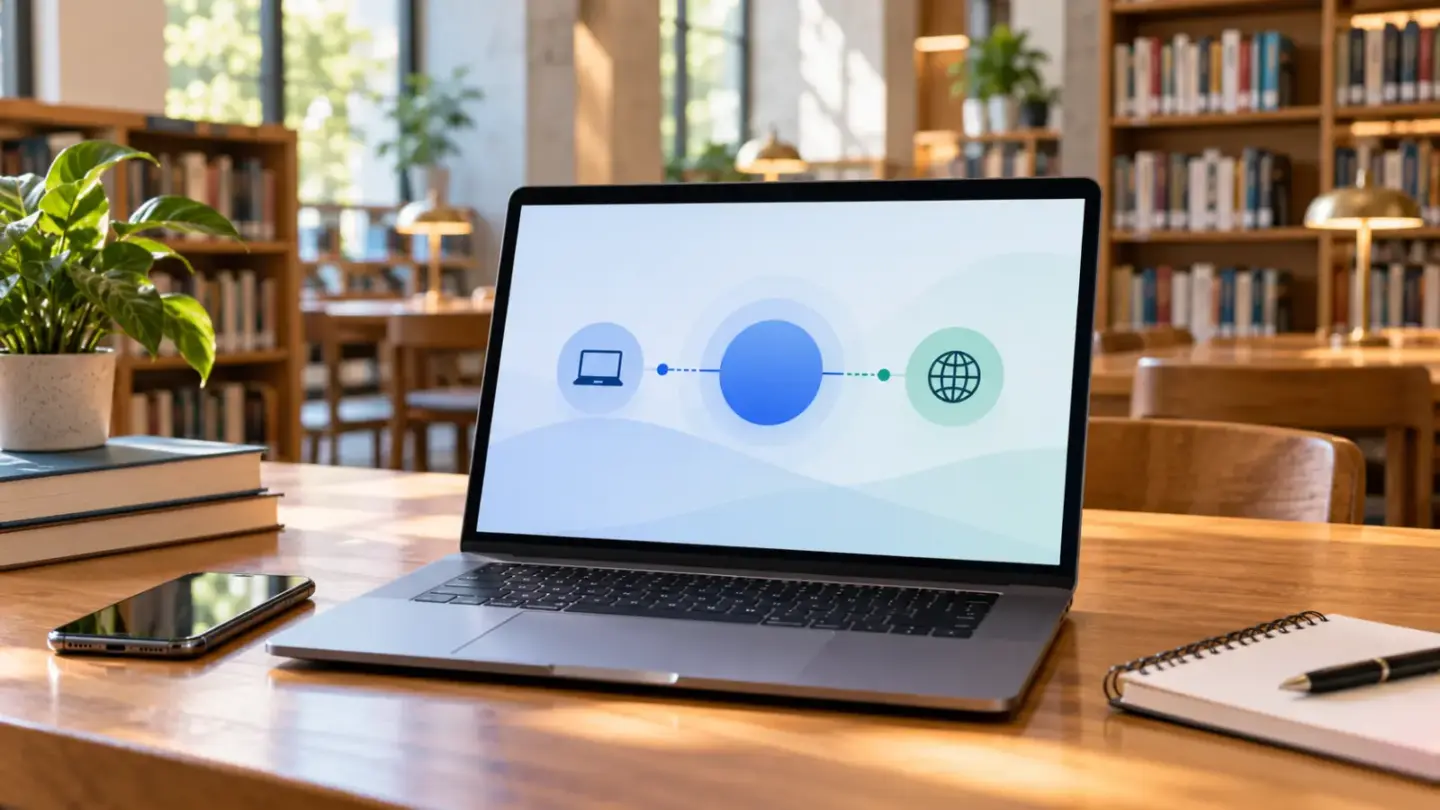
A virtual private network can change how traffic travels from your device and which network address a website sees. It cannot make every online action anonymous, turn a dishonest website into a trustworthy one or replace basic account security. Before paying, define the problem you want to solve and compare documented behavior for the devices you actually use.
This is a general consumer guide, not an independent security audit or a ranking of VPN providers. Product features, subscriptions and local requirements can change. A work-managed VPN also serves a different purpose from a personal privacy subscription; follow your organization’s instructions for its systems rather than substituting an unrelated app.
Understand the connection you are changing
The FTC’s VPN explanation describes traffic being routed through a provider’s servers, making it appear to websites as if it comes from those servers. An encrypted VPN connection protects the covered traffic between the device and the VPN endpoint. The provider and the app become part of the trust decision rather than disappearing from it.
Write down the scope of the service you are considering. Does it cover the whole device, selected applications or only activity within one browser? Ask how exclusions are configured and whether the behavior differs across operating systems. An icon saying “connected” does not by itself answer whether the particular activity you care about is inside the intended connection.
Separate three privacy questions
- Connection: who can observe the network path you are using?
- Service: what information does the VPN provider handle and retain?
- Destination: what do you reveal to the website or account you use?
A change to the first question does not automatically solve the other two.
Keep HTTPS and website trust in the picture
The FTC’s more recent public Wi-Fi guidance explains that widespread encryption has changed the risk picture. HTTPS encrypts the connection to a website, but an encrypted connection to a scam website does not make the operator honest. Do not rely on older blanket claims that every public network necessarily exposes all of your browsing content.
A VPN is not permission to ignore a browser security warning, enter a password into an unfamiliar login page or download untrusted software. Likewise, signing into an account or submitting your name tells that service information about you regardless of a changed network address. Keep the destination’s behavior and your own disclosures separate from the transport mechanism.
Define a practical requirement before comparing features
Choose a concrete use case, such as protecting a particular connection path on a personal device or reaching an authorized workplace service. Avoid a goal as vague as “total online safety.” List the device, operating system, applications and network situations involved. That list gives you something to test and a basis for rejecting features you do not need.
Workplace remote access deserves special treatment. The UK NCSC’s VPN guidance is explicitly aimed at organizations and administrators, not individual consumer privacy purchases. It describes secure connectivity to organizational services. Do not interpret an enterprise deployment recommendation as an endorsement of a consumer subscription, or install a personal VPN to bypass your employer’s controls.
| Feature or claim | Useful verification | Limit to remember |
|---|---|---|
| Device coverage | Check supported systems and connection limits | One supported platform does not prove identical features on another |
| Connection protection | Read what traffic is included and excluded | A connected indicator does not explain every app’s route |
| Disconnection behavior | Read the documented kill-switch behavior | Implementation and exceptions can differ |
| Privacy claim | Read data categories, retention and third-party sharing | A short slogan is not an independent audit |
| Subscription price | Compare billing period, renewal and refund terms | An introductory monthly equivalent may require upfront payment |
Read the privacy policy as an operational document
The FTC advises reviewing a VPN app’s terms and privacy policy, including whether information is shared with third parties. Look for clear descriptions of account information, connection-related data, diagnostics and how the service is funded. If a claim such as “no logs” appears, ask what it includes and excludes rather than supplying your own definition.
Record the policy date and any documentation offered for security claims. If an audit is advertised, check its date, scope and the specific systems or controls examined. A report about one component at one point in time does not establish that every current feature and practice has been verified. This checklist helps you read the claim; it does not reproduce the auditor’s work.
Check what happens when the connection changes
A feature called a kill switch is intended to address what happens when the protected connection fails, but its behavior needs product-specific documentation. For example, Mozilla describes its own VPN kill switch as blocking the device’s network connection when the connection becomes unstable or drops during use. This is an example of a vendor’s stated behavior, not a recommendation or proof that all services work the same way.
For the product you are evaluating, ask about startup, sleep and wake, switching networks, manually disconnecting and excluded applications. Read whether the feature is available on each of your platforms. Keep ordinary browsing tests free of sensitive information; a quick consumer test can reveal usability problems but cannot certify the absence of every possible leak.
A modest evaluation sequence
- Read the current platform-specific documentation.
- Confirm the intended traffic scope and failure behavior.
- Try ordinary non-sensitive tasks on the networks you use.
- Record failures, interruptions and questions for support.
Call this a usability check, not a professional security assessment.
Compare the amount you must actually pay
Write down the initial charge, length of the paid term and renewal charge. A displayed monthly equivalent may be a division of a larger upfront payment. Check cancellation steps and refund eligibility before purchasing; do not assume that cancelling automatic renewal produces a refund for the current term.
For fictional arithmetic, a $60 charge covering twelve months equals $5 per month when divided evenly. A plan billed at $8 each month would cost $96 over twelve unchanged payments. The $36 difference describes those assumed charges only. If the annual plan renews at $96, the later comparison changes. None of these numbers is a live offer or a recommendation to commit to a longer term.
Include compatibility and performance in the decision
Test the normal tasks that matter to you: calls, document access, account sign-in and local devices if relevant. Record which platform and network were used. A successful test on one fast home connection does not establish performance while travelling or on another device. Ask support about a reproducible problem rather than assuming every interruption has the same cause.
Check account recovery and support access too. If the service’s help channel requires signing into an account you cannot access, plan how you would recover it. Keep your subscription receipt and cancellation instructions somewhere available independently of the VPN app. A purchase decision includes these practical details as well as technical specifications.
Decide whether the product solves your stated problem
Return to the original use case after reviewing the evidence. If ordinary HTTPS, device updates and sound account practices already address the concern you identified, explain what additional benefit you expect from a subscription before paying. If you do need a specific feature, make sure it is documented for your platform and included in the plan.
The budget planner can track recurring subscription costs. The research methodology explains the difference between official documentation and an independent evaluation, and the contact page accepts corrections. No service has been security-certified by this article, and a VPN should not be represented as complete anonymity or a substitute for careful online decisions.
Common questions
Does a VPN make me completely anonymous?
No. A VPN does not erase information you provide, accounts you sign into or every way services recognize activity. It changes part of the connection and trust arrangement. Read the provider’s practices and consider the actual privacy problem instead of treating anonymity as a universal product feature.
Does it replace HTTPS?
No. HTTPS protects the connection to the website, while a VPN serves a different role between your device and its service. One is not a reason to ignore the other. Also distinguish an encrypted connection from evidence that the website operator itself is trustworthy.
Can a VPN make a scam website safe?
No. Encryption can protect a connection to a dishonest destination just as it can to a legitimate one. Check the site and the request before sharing information or paying. A VPN subscription does not turn misleading offers, phishing requests or untrustworthy operators into safe transactions.
Are all public Wi-Fi connections automatically unsafe?
That statement is too broad. The FTC explains the role of modern encrypted connections, including HTTPS, while distinguishing encryption from site trust. Assess the actual connection and activity. Do not use a blanket fear of all public Wi-Fi as the sole justification for buying a service.
Does one VPN subscription protect every app?
Not necessarily. Coverage depends on the product, platform and configuration; some arrangements apply to selected activity. Read the documentation for the setup you intend to use and check what happens when it disconnects. A subscription purchase alone does not verify device-wide protection.
Are kill switches identical across products?
No. The behavior, supported platforms and exceptions are product-specific. Read what the vendor says happens when the connection drops or changes. The cited Mozilla example describes that product’s behavior and should not be treated as a tested feature guarantee for every competing service.
Is a no-logs slogan enough evidence?
No. Read what the provider means by logs, which data categories it collects, retention practices and any report’s scope and date. A short advertising phrase cannot answer every privacy question. An audit claim also needs examination of what was actually assessed rather than automatic trust.
Can I replace my employer’s VPN with a personal app?
No. Follow the organization’s approved access instructions. A consumer privacy service and an organizational VPN can serve different purposes and permissions. Installing a personal product does not automatically authorize access to workplace systems or satisfy the organization’s requirements for handling its information.
Do the example prices describe a real subscription?
No. They illustrate how upfront, monthly and renewal prices affect a comparison over the same period. They are not current market quotes or recommendations. Use the actual renewal terms, device limits and required features when evaluating an offer you might purchase.
Does a quick test prove there are no leaks?
No. A brief consumer test can reveal usability or configuration problems but cannot establish the absence of every leak or vulnerability. This article reports no independent security audit. Keep observed results separate from broader security claims and consult product documentation for the intended setup.
Sources and references
- FTC: In the market for a VPN app?, 2018 explanation and privacy-policy questions.
- FTC: Are Public Wi-Fi Networks Safe?
- NCSC: Virtual Private Networks, organizational guidance only.
- Mozilla: What is the Mozilla VPN kill switch?
Sources checked October 17, 2026. Vendor documentation is attributed and does not constitute endorsement or independent testing.